Cache Overview
Lightning-fast data caching with Valkey, the open-source Redis alternative.
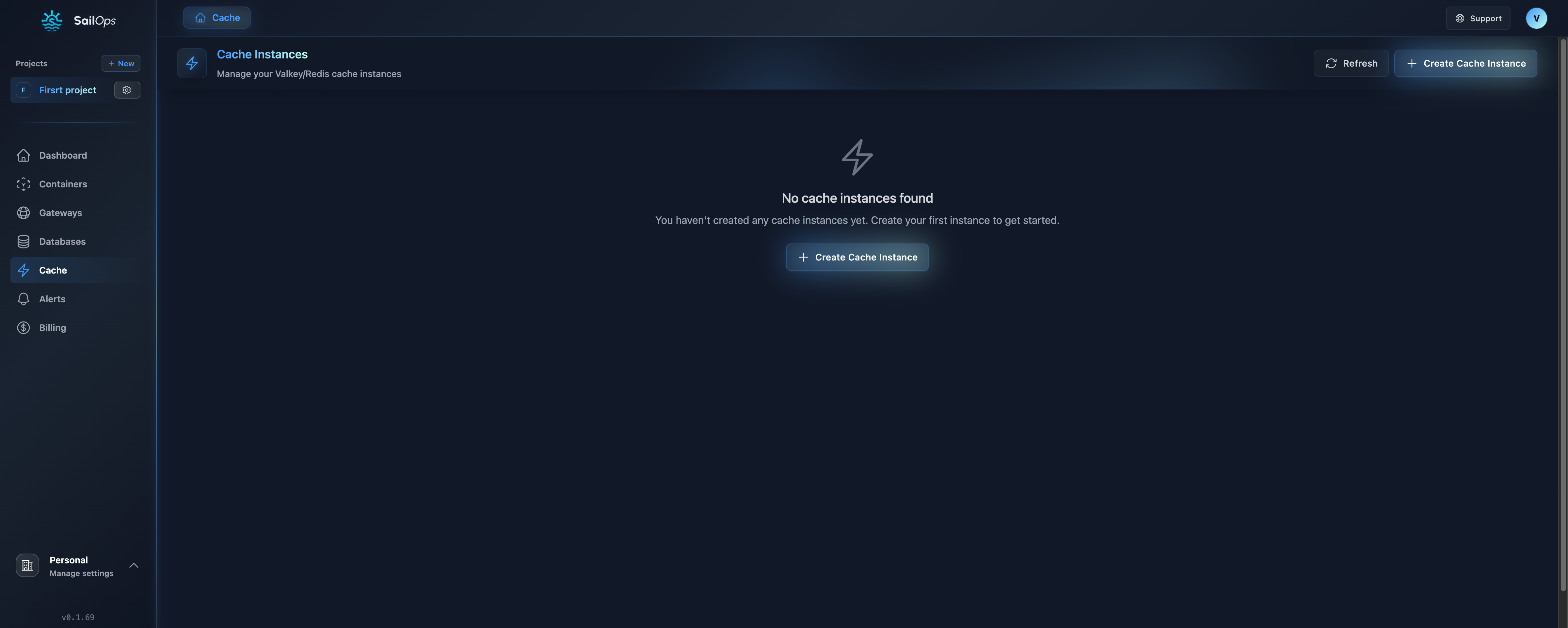
What is Valkey?
Valkey is an open-source, high-performance key-value store compatible with Redis. SailOps provides fully managed Valkey instances for:
- Session storage - Fast user session management
- Data caching - Reduce database load
- Rate limiting - Protect your APIs
- Real-time features - Pub/Sub messaging
- Queues - Background job processing
Supported Versions
| Version | Status |
|---|---|
| Valkey 9.0 | ✓ Supported |
Currently, only Valkey 9.0 is available. Future versions will be added as they are validated for production use.
Key Features
Redis Compatibility
Valkey is fully compatible with Redis:
- Same commands and protocols
- Use existing Redis clients and libraries
- No code changes needed for migration
- All Redis data structures supported
High Performance
Optimized for speed:
- Sub-millisecond latency
- 100,000+ operations per second
- In-memory data storage
- Persistent storage options
Managed Service
SailOps handles operations:
- Automatic provisioning
- Monitoring and metrics
- Persistent storage management
- Security updates
Cluster Mode
Valkey instances run in cluster mode:
- 1-6 primary shards configurable per instance
- Automatic data sharding across shards
- Each shard handles reads and writes for its assigned keys
- No replicas or automatic failover
Use Cases
Session Storage
Store user sessions for web applications:
// Store session
await redis.set(`session:${userId}`, JSON.stringify(session), 'EX', 3600);

// Retrieve session
const session = await redis.get(`session:${userId}`);
API Response Caching
Cache expensive API responses:
async function getUser(userId) {
  // Check cache first
  const cached = await redis.get(`user:${userId}`);
  if (cached) return JSON.parse(cached);

  // Fetch from database
  const user = await db.query('SELECT * FROM users WHERE id = $1', [userId]);

  // Cache for 5 minutes
  await redis.set(`user:${userId}`, JSON.stringify(user), 'EX', 300);

  return user;
}
Rate Limiting
Protect APIs from abuse:
async function checkRateLimit(ip) {
  const key = `ratelimit:${ip}`;
  const current = await redis.incr(key);

  if (current === 1) {
    await redis.expire(key, 60); // Reset every minute
  }

  return current <= 100; // 100 requests per minute
}
Real-Time Features
Pub/Sub for real-time messaging:
// Publisher
await redis.publish('notifications', JSON.stringify({
  userId: 123,
  message: 'New message received'
}));

// Subscriber
redis.subscribe('notifications', (message) => {
  const notification = JSON.parse(message);
  notifyUser(notification.userId, notification.message);
});
Job Queues
Background job processing:
// Add job to queue
await redis.lpush('jobs:email', JSON.stringify({
  to: '[email protected]',
  subject: 'Welcome!',
  body: 'Thanks for signing up...'
}));

// Process jobs
while (true) {
  const job = await redis.brpop('jobs:email', 0);
  await sendEmail(JSON.parse(job[1]));
}
Data Structures
Valkey supports rich data structures:
Strings
Basic key-value storage:
SET mykey "Hello"
GET mykey
INCR counter
Lists
Ordered collections:
LPUSH mylist "World"
LPUSH mylist "Hello"
LRANGE mylist 0 -1
Sets
Unique collections:
SADD myset "Hello"
SADD myset "World"
SMEMBERS myset
Hashes
Field-value pairs:
HSET user:1 name "John" email "[email protected]"
HGET user:1 name
HGETALL user:1
Sorted Sets
Scored and ranked items:
ZADD leaderboard 100 "player1"
ZADD leaderboard 200 "player2"
ZRANGE leaderboard 0 -1 WITHSCORES
Architecture
Compute Classes and Flavors
Cache instances use compute classes and flavors to define resource allocation.
Compute Classes
| Class | Description | Best For |
|---|---|---|
| Eco | Shared resources, cost-effective | Development, testing, budget-conscious workloads |
| Standard | Balanced performance | General production caches |
| Production | Dedicated resources | Sensitive workloads requiring guaranteed performance |
Flavors
Within each compute class, select a flavor:
| Flavor | Description |
|---|---|
| Small | Entry-level resources for light workloads |
| Medium | Balanced resources for standard applications |
| Large | Higher resources for demanding workloads |
| XLarge | Maximum resources for enterprise-scale caching |
The exact CPU and memory values for each flavor depend on the selected compute class. Pricing is displayed when selecting a flavor in the dashboard.
- Start with Eco / Small for development and testing
- Use Standard for most production caches
- Choose Production when you need dedicated performance guarantees
Storage
Every Valkey primary shard uses a persistent volume with periodic RDB snapshots. Storage remains allocated and billable while the instance is stopped.
- Default storage:
1Giper shard when persistence is not explicitly enabled,10Giwhen enabled without a specific size - Storage class:
standard(5,000 IOPS) orperformance(15,000 IOPS) — chosen at creation and cannot be changed - Storage can be expanded after creation but cannot be reduced
Managed backup scheduling and restore are not available for Valkey. RDB snapshots on the instance's persistent volume do not replace an external backup.
Security
Network Access
By default, cache instances are only accessible from:
- Containers in the same project
- Internal project network
Public Access (Optional)
You can enable public access for external connections:
- Go to your cache instance settings
- Enable Public Access
- Configure the IP Allowlist to restrict access
When enabled:
- A dedicated gateway is created for your cache
- Port 6379 is exposed
- Only allowlisted IPs can connect
- Password authentication is required for public access
Always configure the IP allowlist when enabling public access. Never expose your cache without IP restrictions. Public connections are unencrypted — TLS is not available for Valkey.
Authentication
Password authentication is optional for internal connections but required when public access is enabled.
Connection example (using internal DNS format {service-name}.{namespace}):
const redis = new Redis({
  host: 'my-cache.my-project-abc123', // {service-name}.{namespace}
  port: 6379,
  password: 'your-password' // Optional for internal, required for public
});
TLS
TLS is not supported for Valkey instances. Connections use unencrypted TCP. Keep sensitive workloads on private networks.
Monitoring
Built-in Metrics
- Memory usage
- Connection count
- Operations per second
- Cache hit/miss ratio
- Command latency
Viewing Metrics
- Go to your cache instance
- Click Observability tab
- Select time range
- View performance charts
Pricing
Cache instances are billed per-hour based on:
- The compute class and flavor selected per shard
- Number of primary shards
- Storage usage
See Billing for detailed pricing information.
Best Practices
1. Set Expiration Times
Always set TTL for cached data:
// Good - expires in 1 hour
await redis.set('key', 'value', 'EX', 3600);

// Bad - never expires, fills up memory
await redis.set('key', 'value');
2. Use Appropriate Data Structures
Choose the right structure for your use case:
| Use Case | Structure |
|---|---|
| Simple values | Strings |
| Object caching | Hashes |
| Unique items | Sets |
| Rankings | Sorted Sets |
| Queues | Lists |
3. Monitor Memory Usage
Set up alerts for memory usage > 80%.
4. Use Connection Pooling
Don't create new connections for each request.